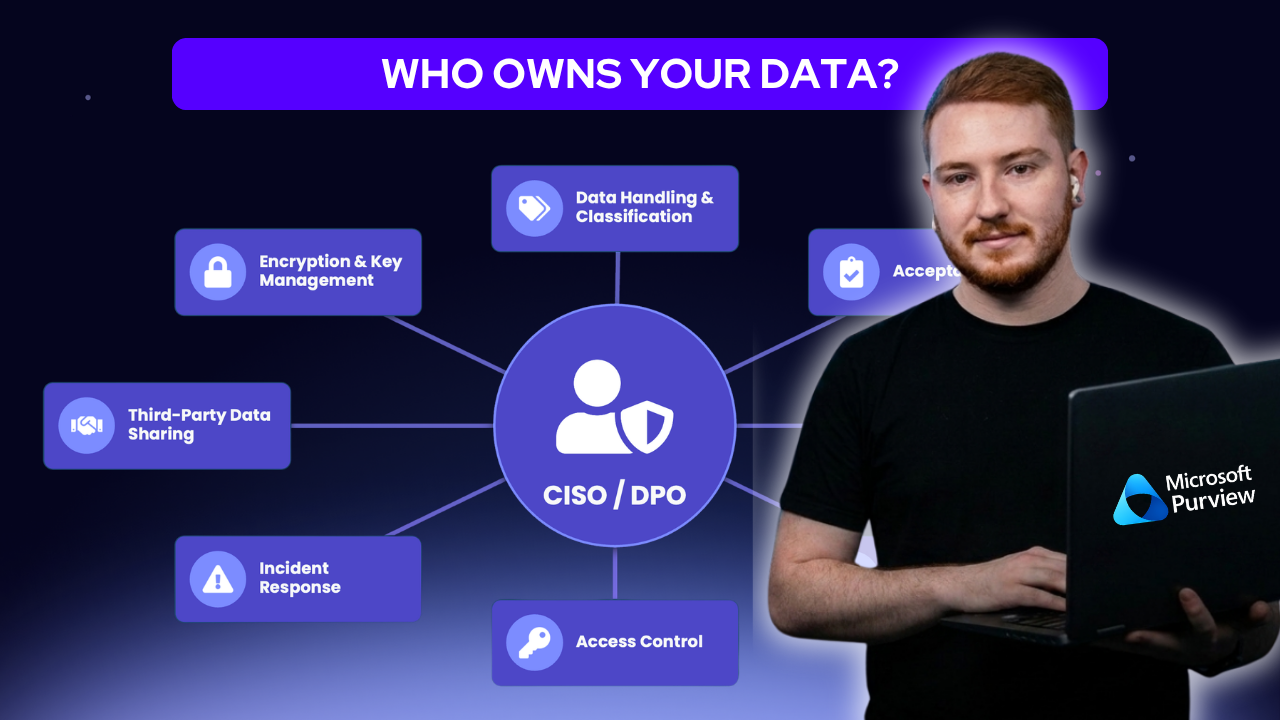
Who actually owns your data when you don't have a CISO?
It's a question we hear from almost every SMB rolling out Microsoft Purview, and usually the honest answer is: nobody's decided yet.
Most businesses under 200 people don't have a Chief Information Security Officer or a Data Protection Officer. So when someone gets handed a Purview licence and told to "sort out data protection," it quietly becomes an IT project by default.
Here's the reframe we've landed on after running this with a fair number of clients: IT should own the mechanism, but the business needs to own the judgment.
IT can build the policies and make the technology work. But deciding whether a spreadsheet in Sales is genuinely sensitive, or whether HR's exit interview notes need tighter handling than the staff directory. This is a business decision, and it needs someone with actual context on that specific data to make it.
The CloudGuard POV: Find your departmental champions, not a new hire
The model that's worked best for our customers isn't hiring a CISO, most SMBs can't justify that role commercially, and don't need to. Instead, we get one person per department (usually a manager or team lead) genuinely involved in the rollout, not just consulted once at the start. They understand their own team's data well enough to say what's actually sensitive, and they become the first point of contact when someone on their team isn't sure which label to apply.
A quick trick that changes everything
Ask someone "where's your sensitive data?" and you'll get a shrug, the question's too abstract to answer from memory.
Show them an actual list of their department's SharePoint libraries instead, and they'll tell you immediately.
Same goes for buy-in: instead of "who owns data protection here?", try asking "if something went wrong tomorrow, who'd be pulled into the room first?" Same underlying question, completely different, and far more useful, answer.
If you don’t know where your sensitive data lives, neither does most of your team. You can download our Purview Data Engagement Questions and Pre-Engagement Spreadsheet, these are the real questions we ask at the start of every Purview engagement, and the spreadsheet we use to capture the answers. Click here to check it out.
And the mistake almost everyone makes
Rolling out maximum-strictness controls from day one feels responsible, but it usually backfires, blocked emails, confused staff, and eventually people quietly working around the controls altogether.
Starting lenient and tightening gradually, department by department, tends to get much better long-term adoption than trying to lock everything down at once.
What next?
Getting this right is about actually knowing what you're protecting, and why, instead of configuring policies based on guesswork. Businesses that get there tend to have the same thing in common: they stopped treating it as one department's problem early on, and started treating it as everyone's.
That's really the whole point of the departmental champions model. Not more overhead or a new hire, just making sure the people who actually understand the data are the ones deciding how it gets protected.
We've written up the fuller version of this, including the SharePoint mapping technique and both reframed questions in full, over on our site. Read the full article here.
Don't like reading? Watch our session on demand
Sign up for episode 3 of Purview Perfection here: Microsoft Purview Auto-Labelling, What to Know Before You Turn It On