Live streaming has become essential for businesses, councils, educational institutions, and brands wanting to reach wider audiences instantly. But while it’s easy to hit “Go Live,” making a stream look professional—like a broadcast—takes planning, the right equipment, and strategy.
If you want your live stream to impress, engage, and build trust, this guide will show you how to run a broadcast-quality live stream from start to finish, even if your team isn’t full of AV experts.
Why Quality Matters in Live Streaming
In 2026, your audience has high expectations. A shaky camera, poor audio, or inconsistent lighting can make your organisation look unprepared or unprofessional, even if your message is excellent.
A professional live stream:
Reflects your brand credibility
Keeps viewers engaged for longer
Reduces technical interruptions
Generates leads and enquiries effectively
For councils, SMEs, and higher-education institutions, presentation quality is a reflection of the organisation itself. You’re not just streaming an event—you’re showcasing your capability and professionalism.
At Title Productions, we help clients across sectors achieve polished, broadcast-style streams that look effortless to viewers but are fully managed behind the scenes.
Step-by-Step Checklist for a Broadcast-Quality Live Stream
Here’s how to run a live stream that looks professional, step by step:
Plan Your Stream Like a Production
A broadcast-quality live stream starts before the cameras are rolling. Planning is everything:
Define the goal of the stream: lead generation, training, announcements, or engagement
Map out a run-of-show: opening, key content, Q&A, closing
Identify speakers and talent, and ensure they’re comfortable on camera
Decide on platforms: YouTube, LinkedIn, or embedded on your website
Tip: At this stage, thinking about storytelling, pacing, and audience engagement will make your live stream feel like a show rather than a meeting.
Choose the Right Equipment
While it’s tempting to stream with a laptop camera, professional streaming requires more control and reliability:
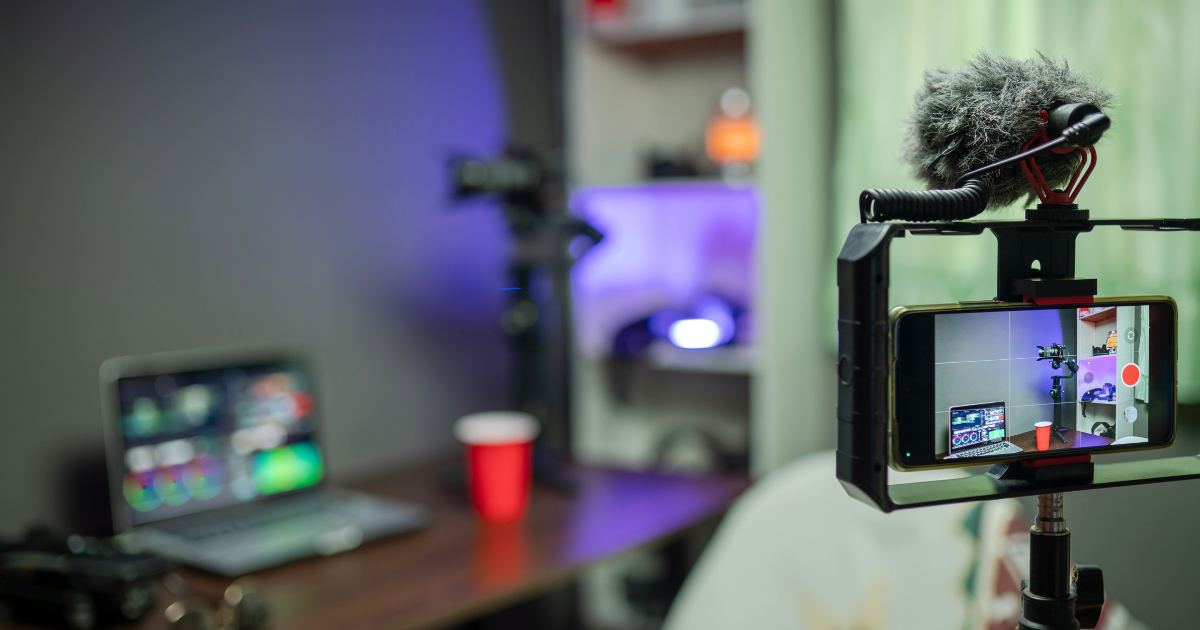
Cameras: Use at least one quality camera (DSLR, mirrorless, or professional camcorder) for crisp video
Audio: Use a dedicated microphone or lapel for clear, consistent sound
Lighting: Softboxes or LED panels reduce shadows and give a polished look
Switchers & Capture Devices: Multi-camera live streams require switchers for smooth transitions
For clients in Bolton and surrounding areas, our live stream packages include fully set-up cameras, professional lighting, and audio to ensure a broadcast-quality result.
Set Up the Space Carefully
The environment makes a huge difference:
Clear clutter and distractions
Consider the background: branded backdrops or clean, neutral walls
Control natural light to avoid inconsistent shadows
Ensure stable internet connectivity—ideally wired rather than Wi-Fi
A polished environment makes viewers focus on your message, not imperfections.
Test Your Settings in Advance
Before going live:
Test video and audio quality
Run a trial stream to check lighting, framing, and bandwidth
Confirm titles, overlays, and branding elements
Check remote participants or presenters
At Title Productions, we always do a full technical rehearsal to catch issues before your audience sees them.
Stream Management During the Event
A broadcast-quality stream isn’t just about equipment—it’s about real-time control:
Switch between cameras for dynamic visuals
Use graphics, lower-thirds, and overlays for context
Monitor audio levels continuously
Engage your audience through chat or Q&A
Professional oversight ensures the stream runs smoothly and feels live without distractions, increasing engagement and trust.
Post-Stream Follow-Up
The work doesn’t stop when the stream ends. To maximise impact:
Edit highlights for social media or future marketing
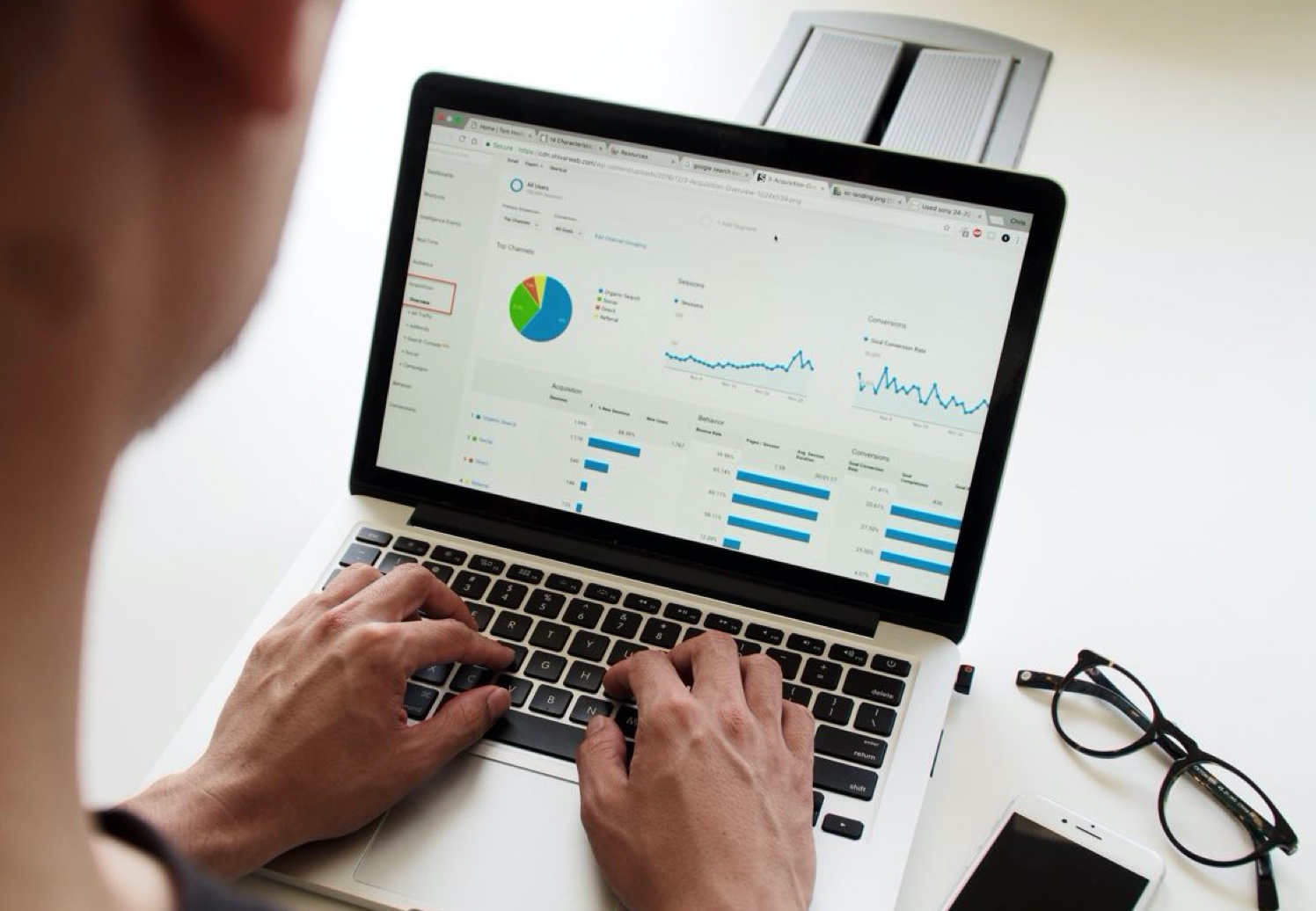
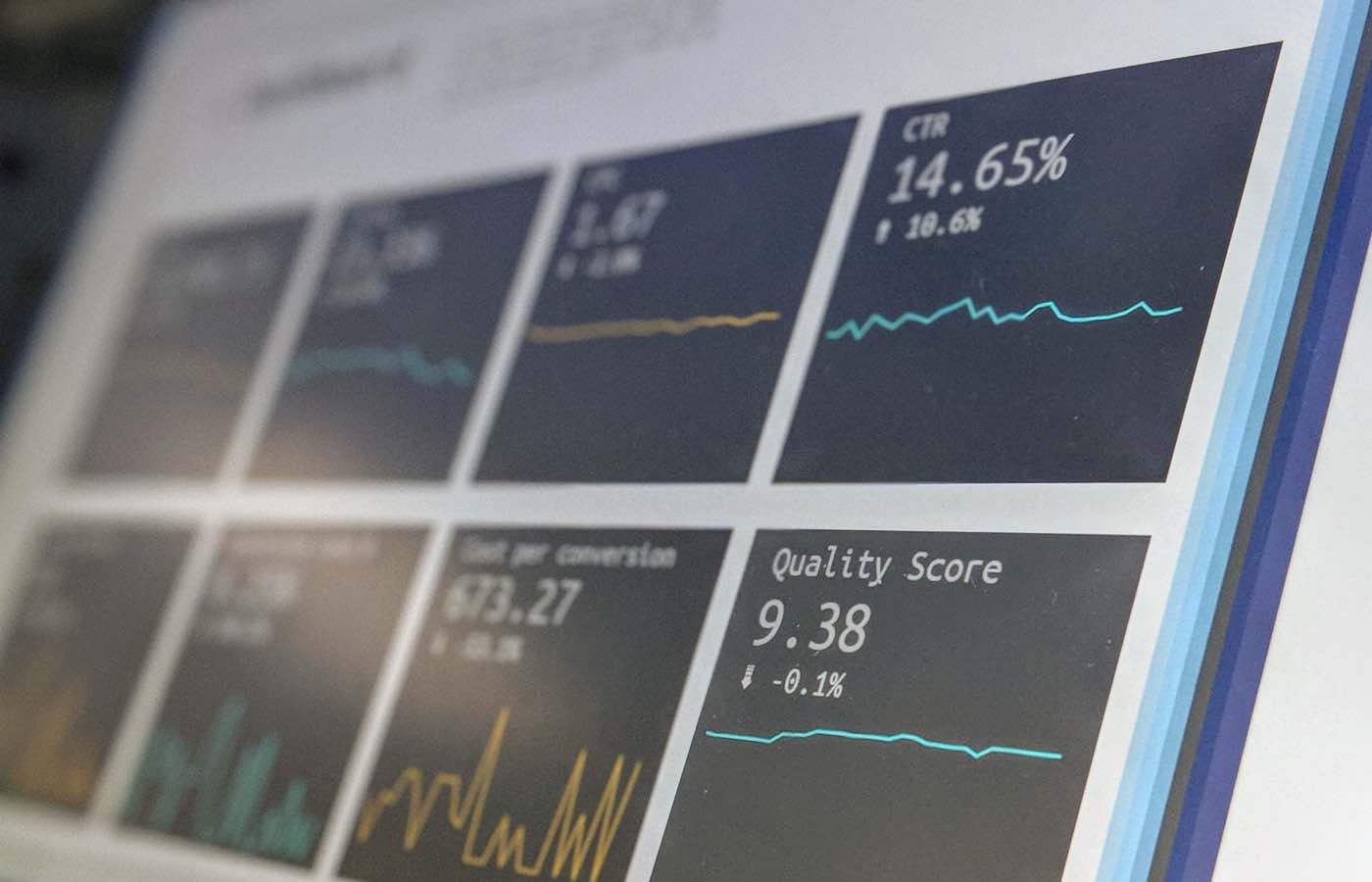
Analyse viewership and engagement data
Share recordings with registrants or stakeholders
Capture leads for follow-up
This step transforms a live stream from a one-off event into a valuable content asset for your organisation.
Equipment Settings Tips for Broadcast Quality
Even if you hire a professional, understanding basic settings helps:
Resolution: 1080p minimum, 4K if your platform supports it
Frame rate: 25–30fps for natural movement
Audio: Use XLR microphones or lapel mics, not built-in camera audio
Lighting: Soft, even front lighting; avoid harsh backlight
Switching: Use live production software to alternate cameras and graphics seamlessly
These small technical choices create a big difference in perceived quality, building credibility for your audience.
Common Pitfalls and How to Avoid Them
Even small mistakes can reduce trust and engagement:
Poor audio – muffled sound will lose viewers faster than shaky video
Unstable internet – always have a backup connection if possible
Cluttered background – avoid distracting elements that pull focus
Ignoring audience engagement – respond to comments or questions to make the stream interactive
Our professional live streaming services in Bolton ensure these pitfalls are handled before they impact your audience.
Case Study Insight
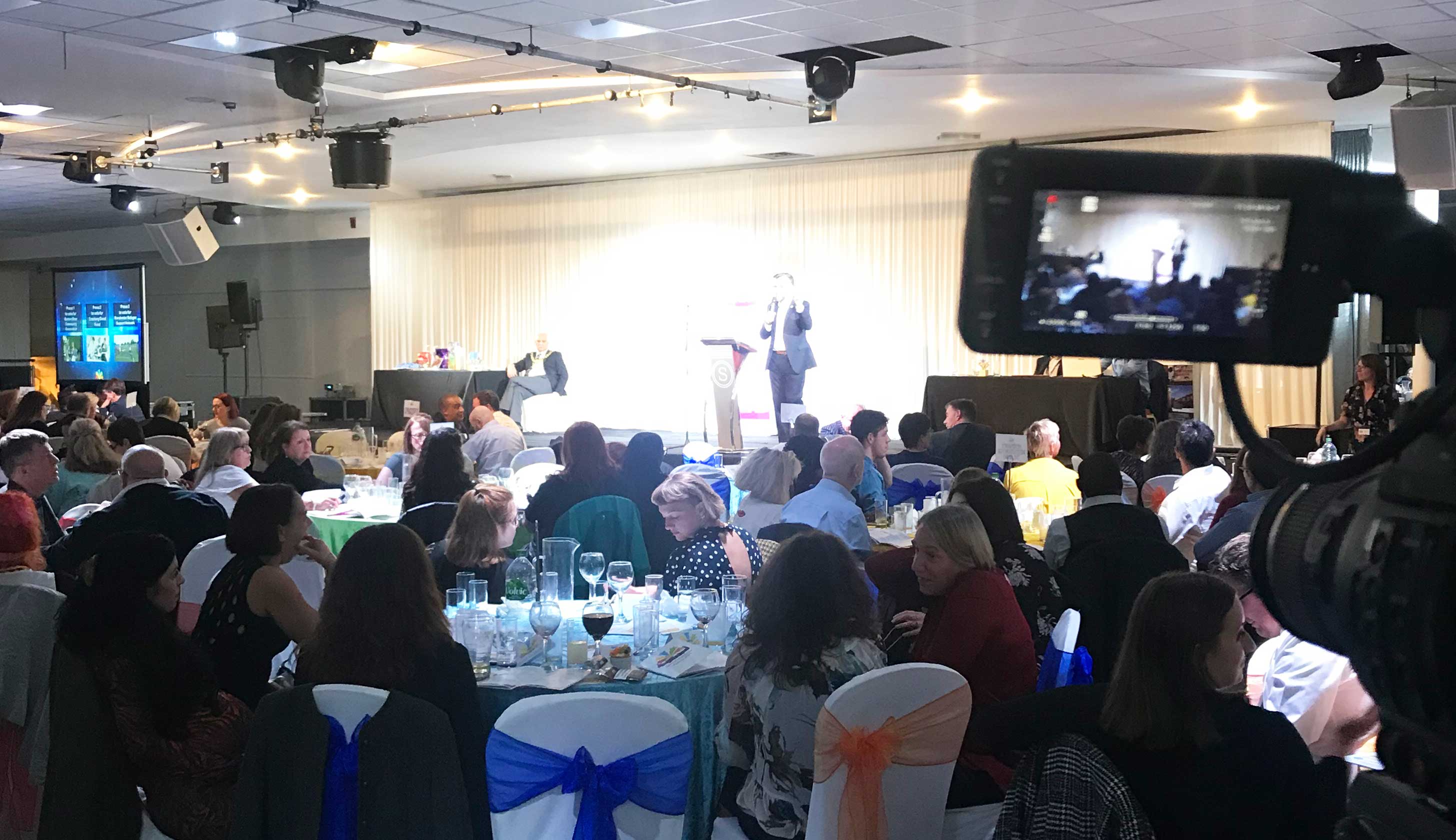
A recent council event we streamed required multi-camera coverage, live graphics, and a hybrid audience setup. By managing everything from pre-production planning to post-event highlights, the council achieved record-breaking live attendance, high engagement, and positive feedback from both internal stakeholders and the public.
You can explore other examples on our Our Work page to see how broadcast-quality streams have been executed across sectors.
Why Professional Live Streams Are Worth It
Hiring a professional team may feel like an expense, but the ROI comes through trust, engagement, and lead generation. Benefits include:
Reliable technical execution
Broadcast-quality visuals and audio
Real-time problem solving
Post-event content ready for repurposing
A professional stream builds confidence with your audience, whether they’re stakeholders, customers, or staff.
Final Thoughts: Make Every Live Stream Count
Live streaming is more than just “going live”. It’s an opportunity to:
Showcase your brand professionally
Engage your audience meaningfully
Generate leads and measurable outcomes
If you want your next event in Bolton or beyond to look and feel like a broadcast, working with experienced professionals ensures you get the impact your content deserves.
Book a professional live-stream package today
, or explore more insights on professional streaming on our Creative Content Blog.